


❔ About
I recently saw this tweet on my thread:
👉 Quite immediately I was excited to give it a try.
Sometimes, you may need to seamlessly call various AI inferences... so it may look like en embedded pair-programming that keeps your notebook clean, compact, smart and still highly understandable** so people (including yourself) can focus on the storytelling.
🪝 Teaser
This notebook is dedicated to a (not so) short jupyterlab/jupyter-ai unboxing so anyone can enjoy this kind of magic (and much much more):
%%ai gpt4 -f markdown
Write a haiku about Python.
.. and get the output in the next cell:
Python code so clean,
Logic flowing like a stream,
In data, we glean.
🧙 Tricks you don't want to miss
... and many other cool tricks like:
-
↔️ Deal with input and output variables (aka.
PROMPTtemplates) -
𝕏 Write nice looking
LaTeXlike formulae - 🐍 Code generation... and execution
- 📊 Dataviz by plotting data
- 🗣️ 🤖 Chat with a dataframe
- 🌟 📜 Restaurant customer experience disruption
🍿 Demo time
🔖 Resources


Top comments (10)
🪄 Put magic in your Notebook w/ Jupyter-AI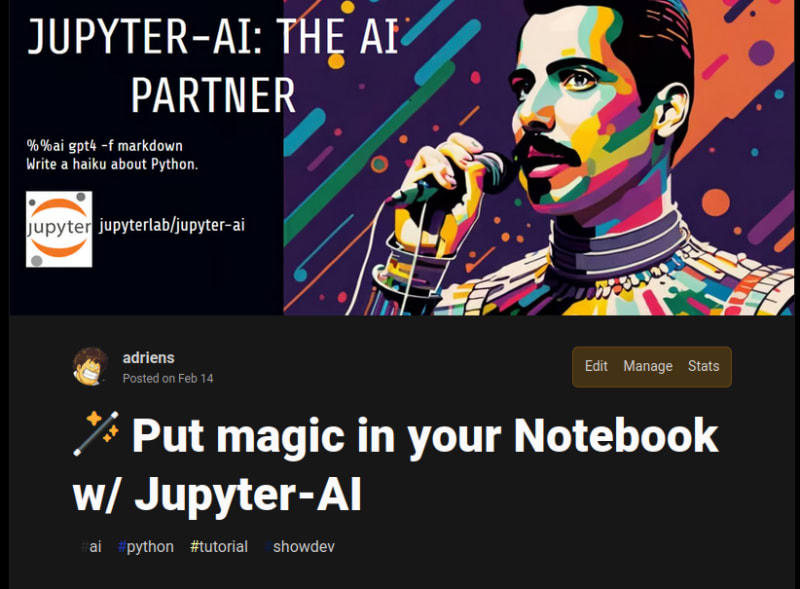
❔ About
I discovered your tool thanks to a tweet and wanted to give it a try before to use it for some data-story-tellings. I use Kaggle for my blogs, and gave a (succcessful try. Si I thought it could be interesting to mention Kaggle as a supported platform.
👉 This PR adds Kaggle as a supported platform.
🔖 Resources